
Backlight Bleed Test: How Much Is Normal on Your Monitor
Backlight bleed matters when you can see it under the lighting and content you normally use. A phone photograph taken in a completely dark room can make a normal edge glow look severe, so darkness alone is a poor return decision.
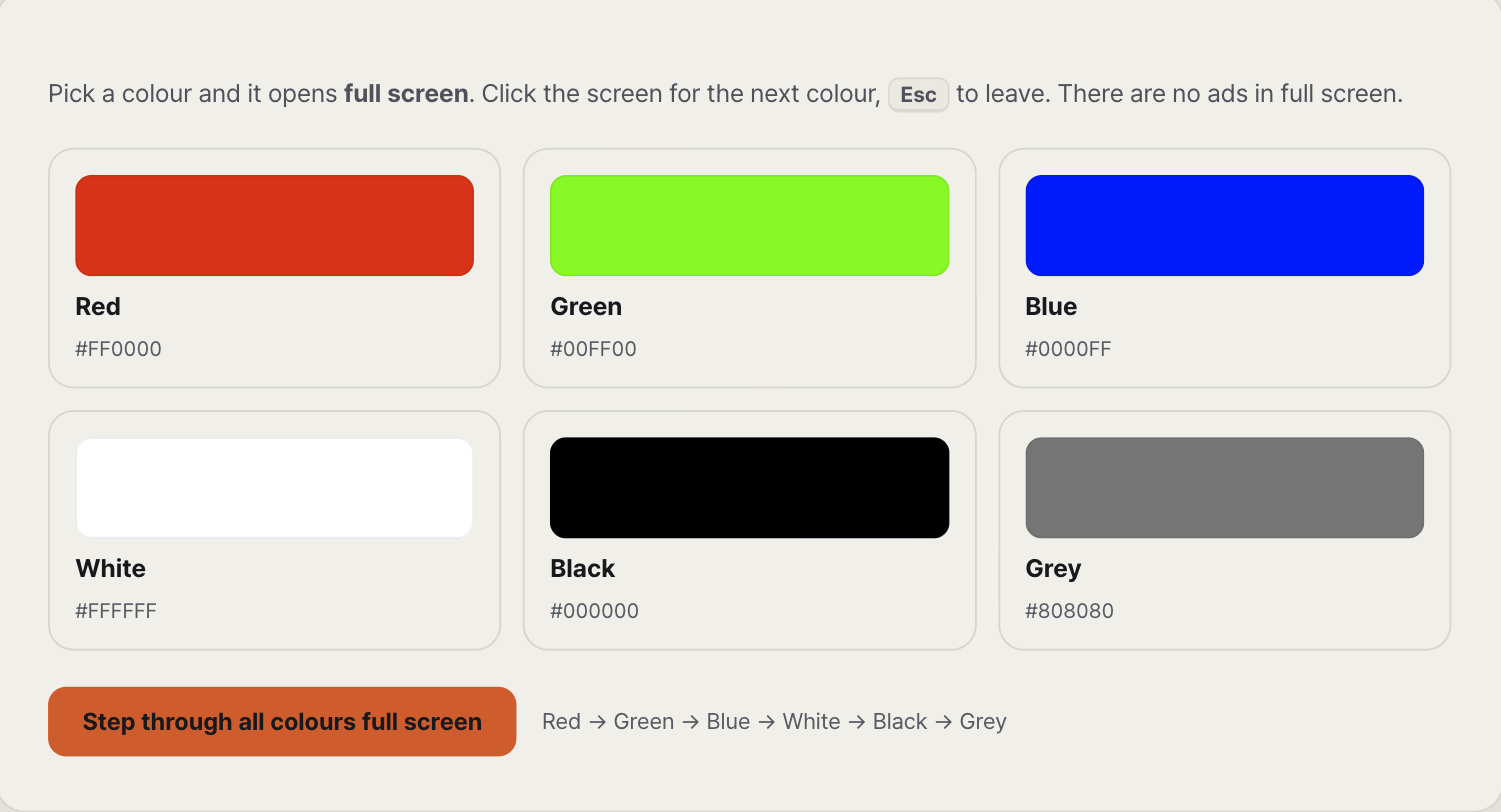
Test in the room where the monitor will be used
Open the monitor test, choose black, and switch to full screen. Set the monitor to the brightness you actually use. Sit at the normal distance and look straight on before moving your head to check whether the glow changes with viewing angle.
Dell's official support procedure is a useful reality check: it says its standard monitors are inspected around 150 lux and gaming monitors around 70 lux, not in complete darkness. Dell also treats leakage that appears only in a dark room differently from hot spots that remain visible under normal room lighting. Those numbers are Dell's inspection conditions, not a universal pass/fail limit for every brand.
Separate edge leakage from viewing-angle glow
Backlight bleed is tied to a location on the panel, usually an edge or corner. Viewing-angle glow changes as your head moves. Keep the black screen open and shift left, right, higher, and lower. A patch that follows the angle is not behaving like a fixed pressure point at the edge.
This distinction matters because a camera records both effects at once. The photograph may show a bright corner even when that corner is unobtrusive from the seated position.
Use normal content as the second test
After the black screen, play a dark scene or a letterboxed film at the brightness you normally use. Stop looking for the defect and watch the content. A soft glow visible only on the deliberate test screen is a different ownership problem from a bright patch that pulls your eye during normal viewing.
If the patch remains distracting, photograph it from the normal viewing position with the room lighting visible in the frame. Avoid night mode, HDR processing, and an exposure that turns the whole black screen grey. The useful photograph should resemble what your eyes see.
When to contact the seller
Contact the seller while the return window is open when a defined hot spot remains visible in ordinary room lighting or repeatedly distracts you in normal content. Include the model, serial number, brightness setting, room condition, and an honest photograph. Manufacturer policies vary, so ask for that model's actual acceptance criteria instead of relying on a universal percentage from a forum.
Dell's examples and inspection conditions are documented in Troubleshooting Light Leakage or Light Bleeding on a Dell Monitor. Owners of another brand should use the same observation method but check that manufacturer's policy.
Run the rest of the arrival check now
Light leakage is only one reason to inspect a new display before the return deadline. The related Desk Armory note, New Monitor Checklist, covers dead and stuck pixels under the same time limit.
How this note was made
Desk Armory provides the full-screen test pattern. The room-light guidance above is anchored to Dell's published inspection procedure; it is not presented as a universal industry warranty threshold. We did not inspect the reader's panel, so the final return decision remains tied to the seller's policy and the monitor's behavior under normal use.