
Keyboard Chattering Fix: Why One Press Types Two Letters
If one deliberate press produces two letters, the useful question is not whether the key feels wrong. It is whether the browser received two separate key events. Desk Armory's keyboard test now records that interval and labels a rapid duplicate as Suspected chatter.
That label is evidence to repeat, not a hardware verdict. Browser events show what reached the computer; they cannot show the metal contact inside the switch.
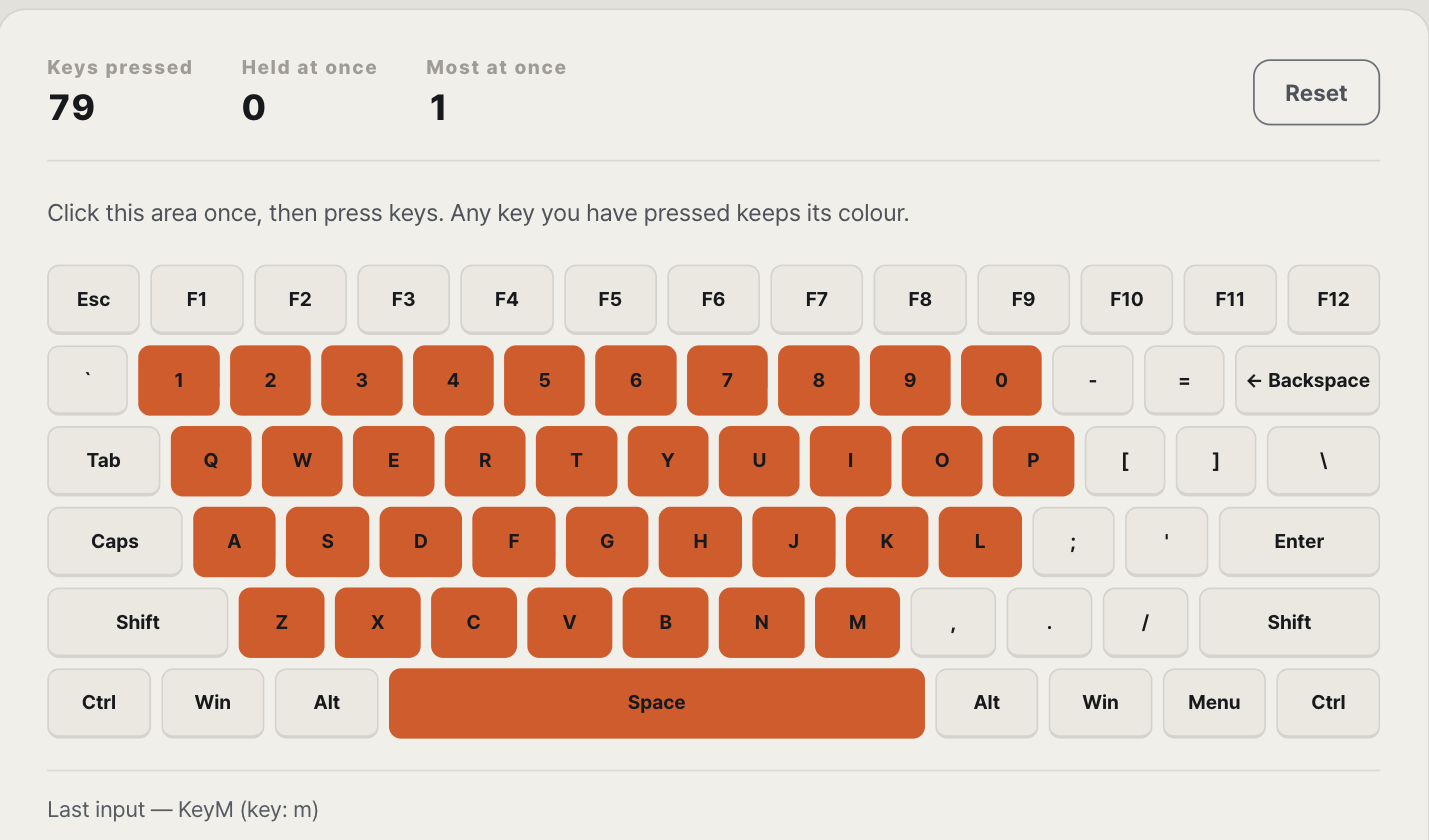
Run a test that separates a tap from auto-repeat
Open the keyboard test, click the keyboard area once, and press the suspect key twenty times at a slow, even pace. Release it fully after every press. A clean run leaves Suspected chatter at zero. A rapid second event that you did not intend raises the count and leaves its interval on screen.
Then hold the same key down. Operating systems generate repeated key events while a key is held; the test excludes events marked as auto-repeat. If the chatter count rises only during deliberate single taps, capture the screen and repeat the same test in another browser or on another computer.
What contact bounce actually means
A mechanical contact does not always move from open to closed in one clean step. It can switch back and forth briefly before settling. Keyboard firmware normally filters those transitions with a debounce algorithm. The QMK firmware documentation on contact bounce shows the repeated transitions directly and notes that settling time varies with switch type, age, and pressing technique.
Chatter appears when an unwanted transition survives the keyboard's own filtering and reaches the computer as another press. That is why a browser can record the symptom but cannot tell whether the cause is a dirty contact, a worn switch, firmware, or electrical noise.
Prove whether the fault follows the switch
Start with the least destructive checks. Reconnect the keyboard, try a different USB port or wireless mode, and repeat the same slow presses on another computer. If the same physical key produces rapid duplicates everywhere, the fault is inside the keyboard rather than the application.
On a hot-swap board, move the suspect switch to an unused position and put a known-good switch in its place. If the duplicate input moves with the switch, replace that switch. If it stays at the original position, the socket, matrix, or firmware is the stronger suspect. Do not open a board that is still under warranty before checking the warranty terms.
Software filtering is a workaround, not proof of repair
A filter can ignore a second event that arrives inside a chosen window. That may make the keyboard usable, but it also risks swallowing a genuine fast double tap, and the workaround disappears on another computer. Keep the filter as a temporary option after you have saved evidence for a warranty claim.
If the key produces nothing
A silent key is the opposite fault. It needs a different split between the switch, socket, matrix, and computer. The related Desk Armory note, Keyboard Key Not Working: Switch or Computer?, starts with whether the key appears in the browser at all.
How this note was made
Desk Armory built the browser test and checked the event-handling path against QMK's debounce documentation. We did not open or electrically probe the reader's keyboard, so the browser result is described as suspected chatter rather than a confirmed switch failure. Published measurements, documentation, and inference stay separate.