
G305 Battery Life: Which AA to Use and Why Rechargeables Read Low
The box says one AA and stops there. That is accurate and almost useless, because the two batteries you are choosing between behave differently in a way the mouse never explains.
We ran a G305 for about six months of eight-hour office days on a single alkaline AA, and swapped it once in that time. That number is the reference point for everything below — not a promise for your desk, but a real baseline instead of a marketing figure.
One AA, and the receiver is not optional
Logitech specifies a single AA cell and a LIGHTSPEED receiver. The receiver matters here because it is not a generic dongle you can substitute from a drawer — it is paired to the mouse, and a missing one turns a working mouse into a paperweight regardless of what battery is in it.
Any AA fits: alkaline, lithium, or a NiMH rechargeable. The mouse will run on all three. What changes is what the battery indicator tells you afterwards.
Why a freshly charged rechargeable shows as low
This is the answer most people are actually looking for. An alkaline AA is nominally 1.5 volts. A NiMH rechargeable AA is nominally 1.2 volts. Both are labeled AA and both drop into the same slot.
A mouse that estimates its remaining charge from voltage has to pick one of those curves. Given a 1.2-volt cell that is completely full, a gauge calibrated for 1.5 volts reads it as a partly drained alkaline — because by its own scale, that is exactly what 1.2 volts means.
So the warning is not evidence of a bad rechargeable or a faulty mouse. It is a unit mismatch. The practical consequence: on rechargeables, stop trusting the percentage and start noticing when the cursor actually begins to stutter.
What the six-month figure really depends on
Battery life on a wireless mouse is not one number, it is a product of a few settings. Report rate is the big one — a mouse polling more often is transmitting more often. Lighting, where a model has it, is a continuous draw that has nothing to do with whether you are moving.
And the largest factor is the least technical: whether the mouse is switched off when you leave. A mouse sitting awake overnight is still listening for movement.
Before you blame the battery
A mouse that skips, stalls, or double-fires is not necessarily short of power. Those symptoms also come from a worn switch or a struggling sensor, and swapping the battery hides nothing and proves nothing.
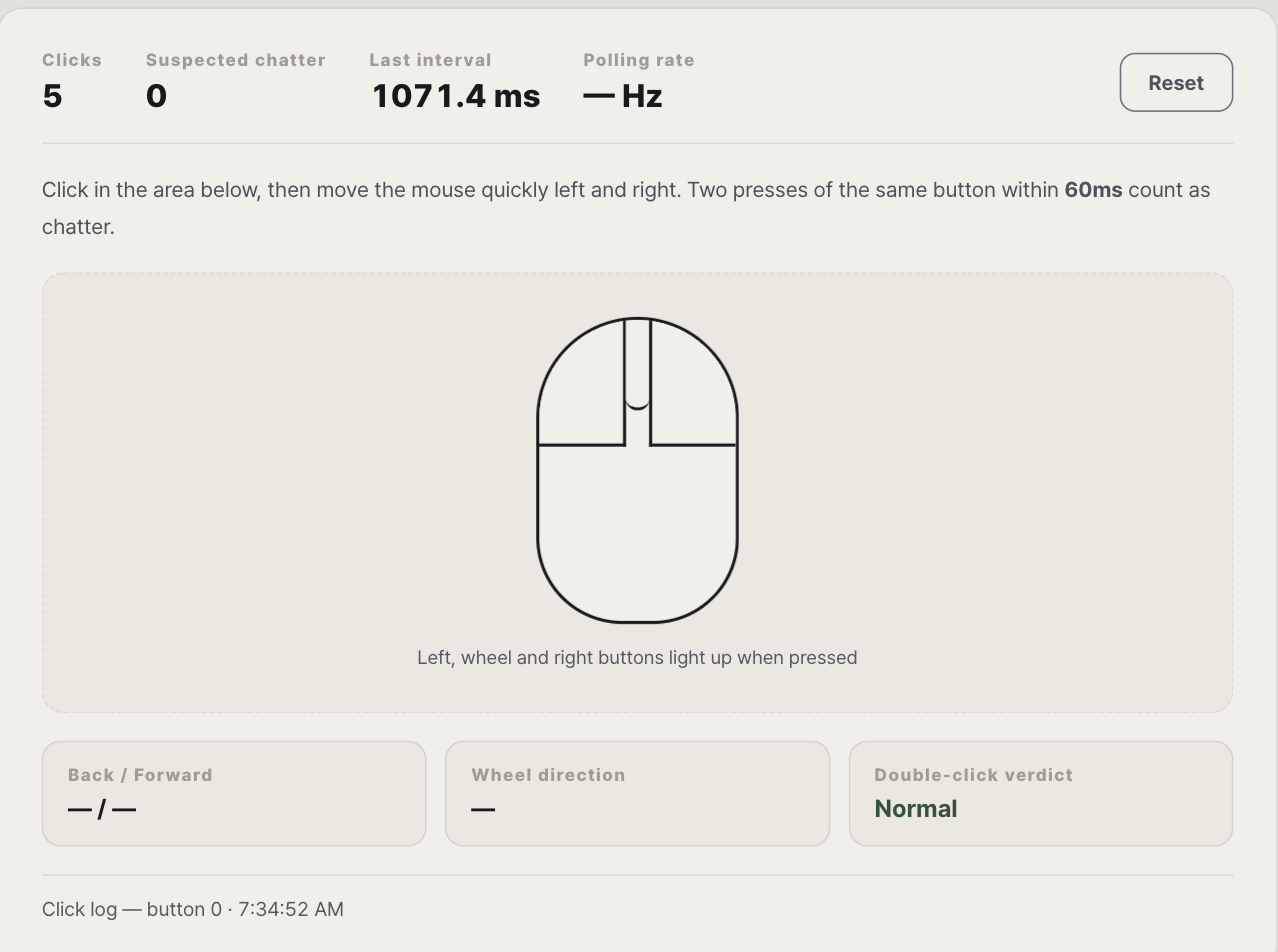
Thirty seconds settles it: run the mouse test with a battery you know is fresh. If clicks still register twice from one press, or the pointer still drops out, the cell was never the problem.
What we have not measured
We used one mouse, in one setting, on alkaline cells. We have not run the same mouse on a NiMH rechargeable long enough to say how the runtime compares, and we have not measured current draw with instruments. So we will not tell you that rechargeables last a specific fraction of an alkaline in this mouse — we do not know that.
What we can say is what the voltage difference does to the gauge, because that comes from the cell specifications rather than from our desk. The longer version, including why battery size is a design decision rather than a compromise, is in our guide to wireless mouse batteries.
Related Desk Armory note
A low indicator and genuinely short runtime need different checks. The related note Wireless Mouse Battery Draining Fast covers idle time, report rate, lighting, receiver position, and tracking surface.
How this note was made
Desk Armory used one G305 for about six months of eight-hour office days with an alkaline AA. We did not measure current draw or complete a matched NiMH runtime test. The 1.5V and 1.2V distinction describes nominal cell voltage, not a promised battery percentage or runtime.